8 Minutes to Midnight: Beating the Portal Requirement of Under 50KB
Exam portals reject photos that miss an exact kilobyte limit. How to hit 20KB or 50KB with a resizer that runs in your browser, and what to check first.
Bring a photo under the 200KB limit while keeping the full frame and as much detail as the size allows. Runs locally, so nothing is uploaded.
Exam portals reject photos that miss an exact kilobyte limit. How to hit 20KB or 50KB with a resizer that runs in your browser, and what to check first.
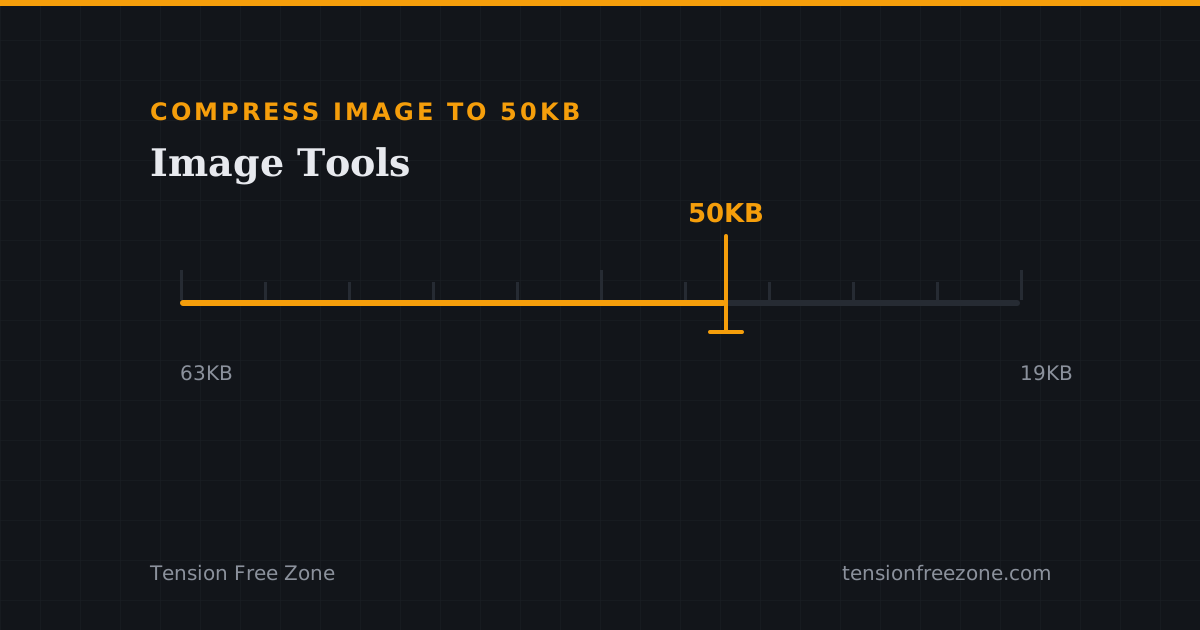
Choose a preset (under 20, 50, or 100 KB) or type a custom target. The engine iterates resolution and quality locally until the file lands under the limit, then shows the exact final size.
PNG, JPG/JPEG, and WebP in and out, including passport photos, signatures, and scanned documents.
Yes. Pick a standard passport/signature aspect ratio and position the crop before compressing, so the result matches strict portal requirements.
No. Resizing, cropping, and compression all use the HTML5 canvas on your device; images never leave the browser.