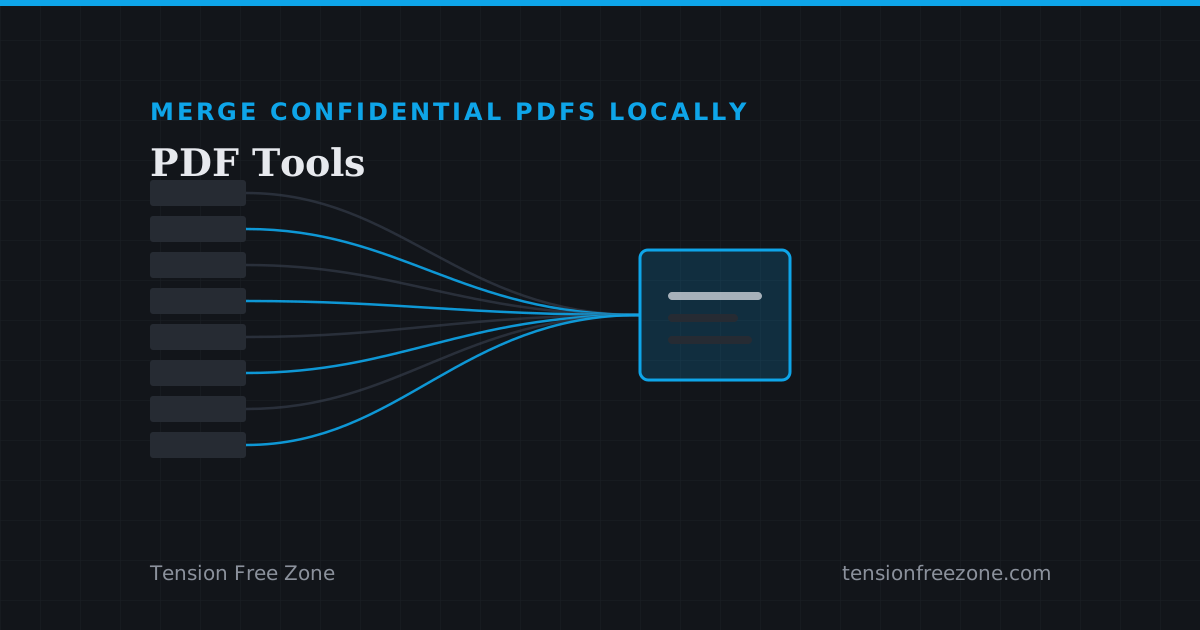
The NDA Panic: Merging 8 Confidential Legal Docs Without Touching a Server
When a contract forbids third-party uploads but the files have to arrive as one document, an offline PDF merger finishes the job inside your own browser tab.
Merge, split, compress, rotate, watermark and unlock PDFs in your browser. Ten tools that run on your device: no upload, no account, nothing installed.
When a contract forbids third-party uploads but the files have to arrive as one document, an offline PDF merger finishes the job inside your own browser tab.
Never. All eleven tools (merge, split, compress, rotate, page numbers, watermark, protect, unlock, organize, JPG to PDF, and PDF to Excel or CSV) run locally in your browser with pdf-lib and pdf.js. Files stay on your device.
Enter ranges like 1-3, 5, 8-10 and download the extracted pages as separate PDFs. Ranges are validated against the document’s page count.
Add multiple files, reorder them with the up/down controls, and merge into a single document in that exact order.
Compression is lossless: PDF object streams are re-packed and unused metadata is stripped. Text, images, and vector quality are untouched, with before/after sizes shown.