The NDA Panic: Merging 8 Confidential Legal Docs Without Touching a Server
When a contract forbids third-party uploads but the files have to arrive as one document, an offline PDF merger finishes the job inside your own browser tab.
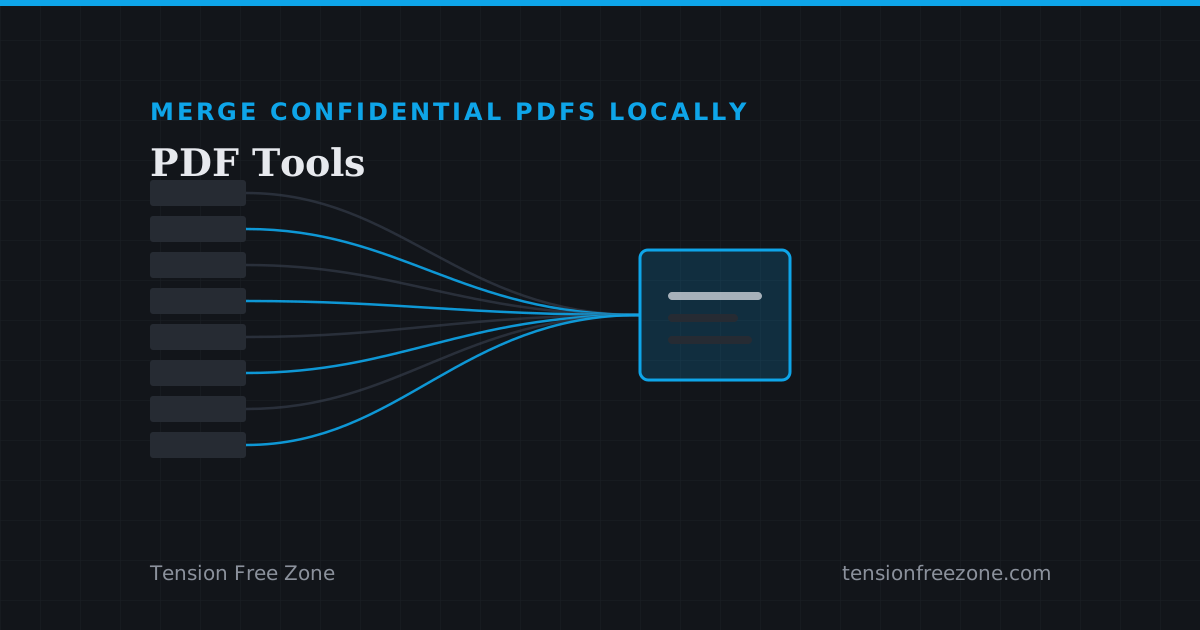
The email from the client is unambiguous: no document may be uploaded to a third party service without written approval, and the approval process takes six working days. The deliverable is eight separate financial PDFs that have to arrive as one ordered portfolio before five o clock today. This is the moment an offline pdf merger stops being a nicety and starts being the only way to merge confidential PDFs locally, keeping both the contract and the deadline.
The obvious workaround is worse than it looks. Renaming files and emailing them in order puts the burden on the reader, and a document that arrives as a zip of eight parts reads as unfinished work.
What "we do not upload your files" has to mean
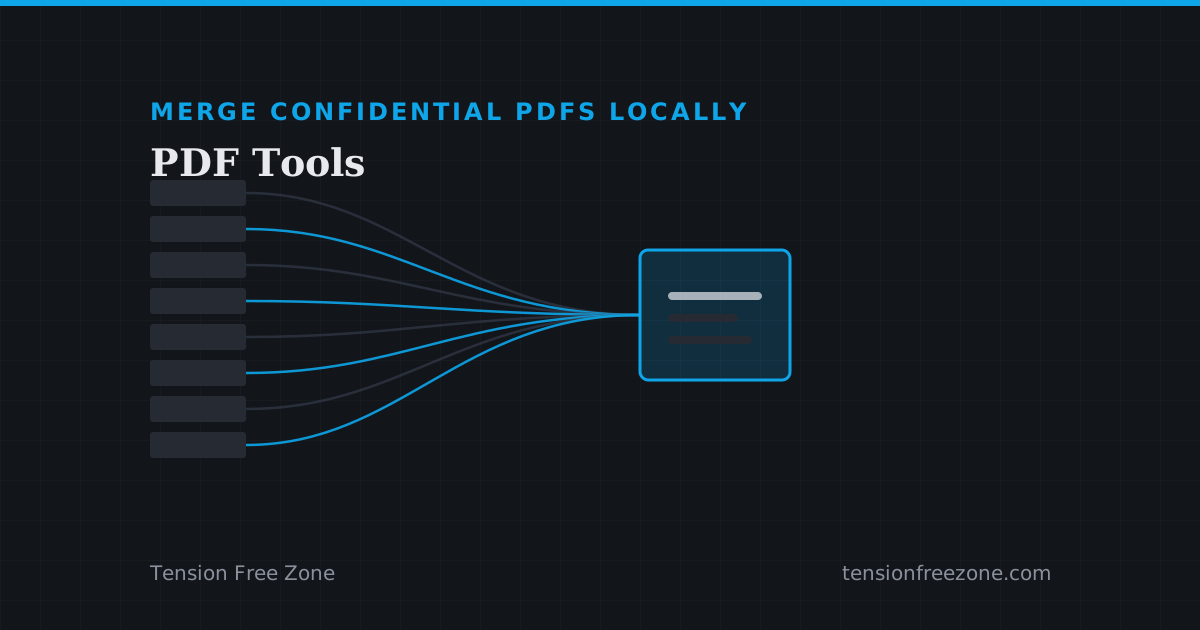
Almost every online PDF tool says something reassuring in its marketing and then receives your file over the network anyway. That is not dishonesty so much as architecture: to merge two PDFs on a server, the server must have both. Once it does, the file exists somewhere you cannot see, for a period you did not choose, under a policy you did not read.
The alternative is to move the work back to the machine that already has the files. A modern browser can read, reorder and rewrite PDF documents itself, which means the eight files never travel anywhere. That is what makes merging confidential PDFs locally a compliance argument rather than a convenience one.
Merging the portfolio in the right order
Order is the part that goes wrong under time pressure. Upload the eight files, arrange them with the move controls, and read the resulting list once before you commit: the sequence you see is the sequence in the document.
- Drop the files in, then fix the order rather than re-uploading them in the right one.
- Check page counts after merging, because a scanned insert is often several pages where you expected one.
- Keep the merged file named the way the client asked before you send it, not after they ask again.
The compress step that saves an inbox
Eight scanned statements merge into a file large enough to bounce. Compressing it is the natural second step, and it is the one to be careful with: a scanned document is already an image, so aggressive compression is visible on a signature or a stamp.
If the recipient has a hard size limit, say under 500 KB or an exact target for a portal, the compressor can work to that number and report what it actually achieved rather than promising a figure it missed.
Before the file leaves your desk
Open the merged document and scroll through it once. Not because the merge is likely to have failed, but because this is the last moment when a missing page is cheap to fix and the first moment when it is a phone call.
Then attach it in one message with the order stated in the body, so the reader knows what they are looking at and does not need to ask.