No Author, No Date, No Page Numbers: Citing a Website in MLA 9 When the Page Gives You Nothing
A web page with no author, no date and no page numbers still needs a Works Cited entry. What to put first, what to leave out, and how it reads in text.
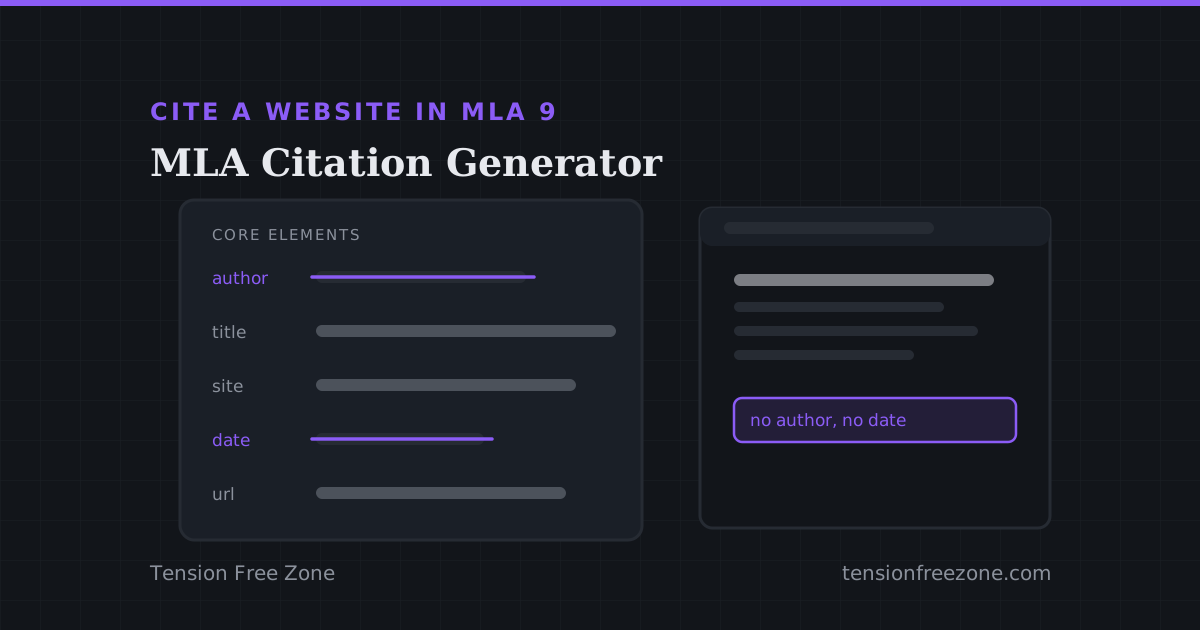
To cite a website in MLA 9 you need the page title, the site name, a publication date if the page shows one, and the URL. What you do not need is an author, and that is exactly where most people stop, because the author field is first in every template and the page in front of them has nobody's name on it.
MLA 9 is built for that case. It replaced the old rulebook of source types with a short list of core elements, in a fixed order, and tells you to take the first one the source actually has. A page with no author is not a broken citation; it is a citation that starts somewhere else.
The order MLA 9 asks for
Nine elements, in this sequence, with the ones that do not apply simply left out. A web page normally uses five of them, which is why a Works Cited entry is shorter than a student expects.
- Author, if a person or organisation is named. Surname first, then the rest of the name as the page gives it.
- Title of the source, in quotation marks, with the main words capitalised and a full stop inside the closing quote.
- Title of the container, italicised: the website, the journal, the anthology.
- Other contributors, version and number, only where they exist.
- Publisher, publication date, and location, which for a web page is the URL without the protocol.
When there is no author, the title goes first
Leave the author field empty and begin with the title of the page. That is the whole rule, and it is why an MLA entry for a company page often looks like it starts in the middle of a sentence.
In text the same shift applies. Instead of an author name you name the title, shortened to the first few words if it is long, and in quotation marks: ("Depression," par. 4). A reader who turns to the Works Cited finds the entry by those same opening words, which is the only reason the order matters at all.
A worked example: a WHO fact sheet
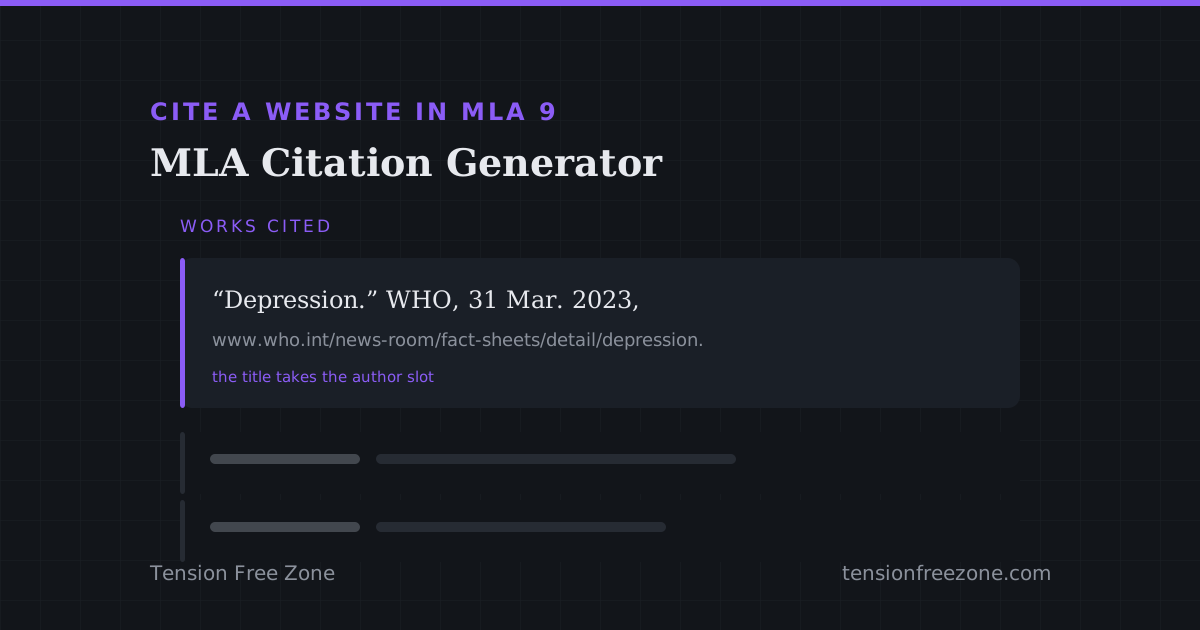
Take a World Health Organization page on depression, published 31 March 2023, with no individual author named. The organisation is the author, so it goes in the author position, and the entry reads: World Health Organization. "Depression." WHO, 31 Mar. 2023, www.who.int/news-room/fact-sheets/detail/depression.
The in-text form is (World Health Organization), or (World Health Organization, par. 2) for a quotation from the second paragraph. No page number appears anywhere, because a web page has no stable pagination, and inventing one is worse than omitting it.
The four details that lose marks
These are the errors that appear in almost every marked list, and each of them is a rule rather than a preference.
- Keeping https:// in the URL. MLA 9 drops the protocol; the address is still followable without it.
- Italicising the page title and quoting the site name, which is the wrong way round. The container is italic, the source is quoted.
- Calling the list a bibliography. In MLA it is Works Cited, and the heading is part of the format.
- Using a copyright year from the footer as the publication date when the page shows nothing else. It is allowed, but say what it is rather than presenting it as a publication date.
Build the entry from the page, then check it by eye
The MLA 9 citation generator takes the elements you have and puts them in the right order with the punctuation MLA is fussy about, and gives you the in-text form at the same time, which is the half people forget.
One check before you paste it: read the entry against the page. The title should match word for word, the date should be the one on the page rather than the one you assumed, and the URL should open. Automatic metadata is wrong often enough that an unchecked reference is a reference waiting to be questioned. If the source turns out to be a journal article rather than a page, the citation hub has the style that expects volume and issue numbers.