The Spyware Dilemma: Why I Refused to Put Tracking Cookies on My Classroom Links
How a private URL shortener keeps click counts in your own browser, why the usual services drop tracking cookies on students, and what those numbers show.
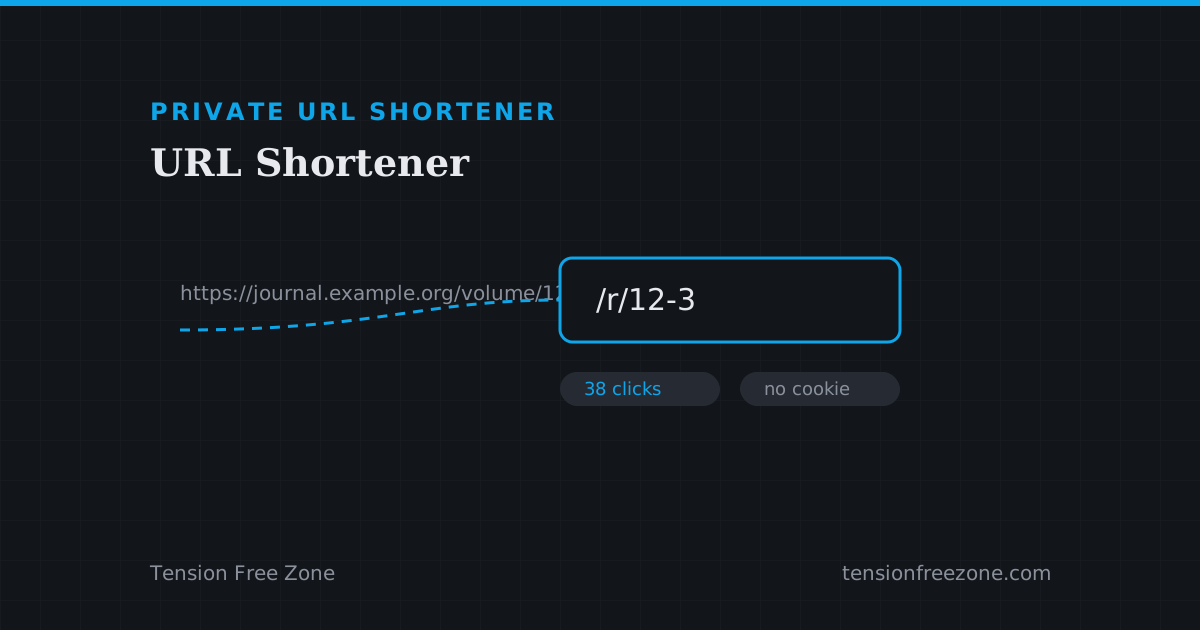
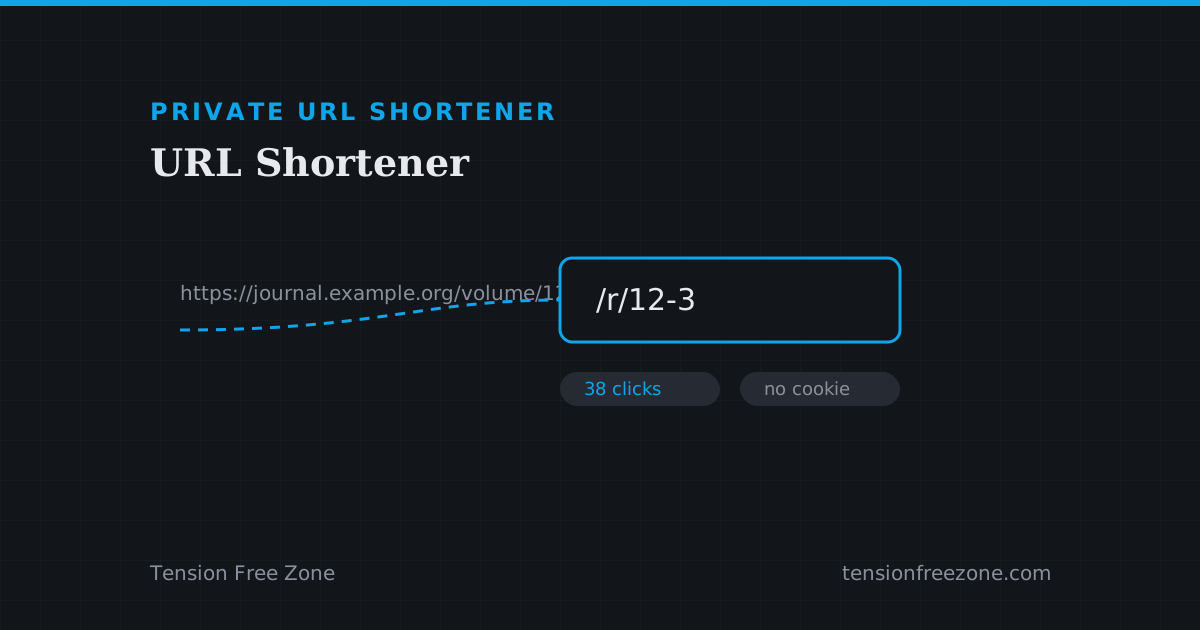
The reason to shorten a link is usually practical: it has to fit on a slide, be readable from the back of a lecture hall, and be easy to say out loud. The reason to use a private url shortener instead of a popular one is what the popular ones do to the people who follow the link.
Every click through a conventional shortener passes through a redirect domain first, and that request carries a cookie, an address and a timestamp to a company with a profile to build. The students clicking a reading list did not agree to any of that.
What a tracking shortener collects
A redirect service sees the device, the rough location, the referring page and the time of every click. It sets or reads a cookie on the visitor's browser, which is what makes the same visitor recognisable the next time they arrive from anywhere else on that domain.
None of this is hidden, exactly, but it is buried in a policy nobody reads before pasting a link into a class group. The honest framing is that a convenience for the person posting it is a small cost for every person who clicks.
Local analytics: what you can still measure
The number a teacher or a course organiser actually wants is unglamorous: how many times a link was opened, and on which days. That count does not require a server at all.
It does require the redirect to happen on your machine, which is what the local shortener trades for the tracking: a tidy slug you control rather than a public service. Everything the counter knows is stored in this browser, and nothing about the students leaves their own tabs.
The honest limits of a local shortener
Two things are worth being straight about, because they decide whether this fits your situation.
A local shortener does not put a tidy three letter domain on the internet for anyone to use, and it does not count clicks made on someone else's device or in another browser. It counts the clicks it serves, from the browser doing the serving. That is a small scope, and it is a fundamentally different promise from the one the tracking services make.
- Good fit: links you open and demonstrate yourself, or a set you track from one machine.
- Good fit: anything that must work with no external service in the loop.
- Not a fit: a link you need to hand to strangers and count from anywhere.
Links that outlive the dashboard
A redirect service can change your destination, throttle a busy link, or put a paywall in front of a campaign you already printed. The failure mode is not hypothetical: it is the standard end of every free tier.
Keeping the mapping in your own storage changes the shape of that risk. The link keeps working while the browser it lives in exists, and the destination is whatever you set it to rather than whatever a dashboard decided this month.